

Prerequisites
You need to be an Office Global Administrator to run these commands.
You need to be running Powershell as Admin and you need to download
Microsoft Online Services Sign-In Assistant for IT Professionals RTW
Firstly download and install this software:
https://www.microsoft.com/en-us/download/details.aspx?id=41950
Then fire up Powershell as Admin and run the following commands:
Install-Module MSOnline
This will install the Office 365 Powershell Module
Connect to Your Office 365 Tenant
Use this command to connect to your Office 365 tenant:
Connect-MsolService
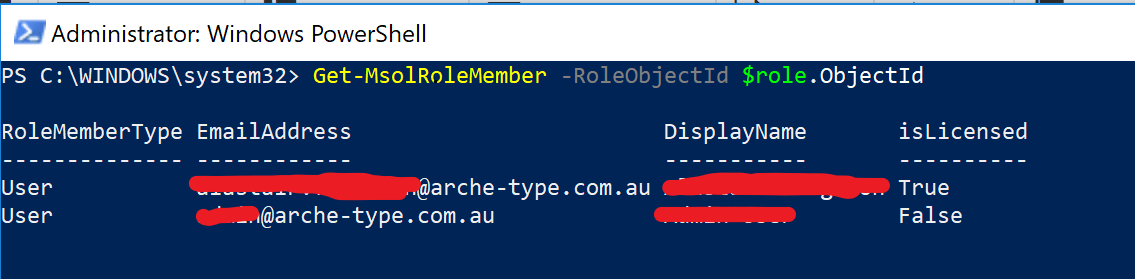
Finally run these two commands and it will display all your Global Administrators
$role = Get-MsolRole -RoleName "Company Administrator"
Get-MsolRoleMember -RoleObjectId $role.ObjectId
Using the Portal to List Global Administrators
You can also login to the Office 365 Portal, Click on Admin > Active Users and then select Global Admins in the Views drop down menu:

Related Articles
https://exxa.tech/articles/office-365-sharepoint-team-sites
https://exxa.tech/articles/add-permissions-for-2nd-mailbox-office365